> ## Documentation Index
> Fetch the complete documentation index at: https://docs.micleo.com/llms.txt
> Use this file to discover all available pages before exploring further.
# Live Demo
> Try the Live Demo.

 ### Sign up and tests
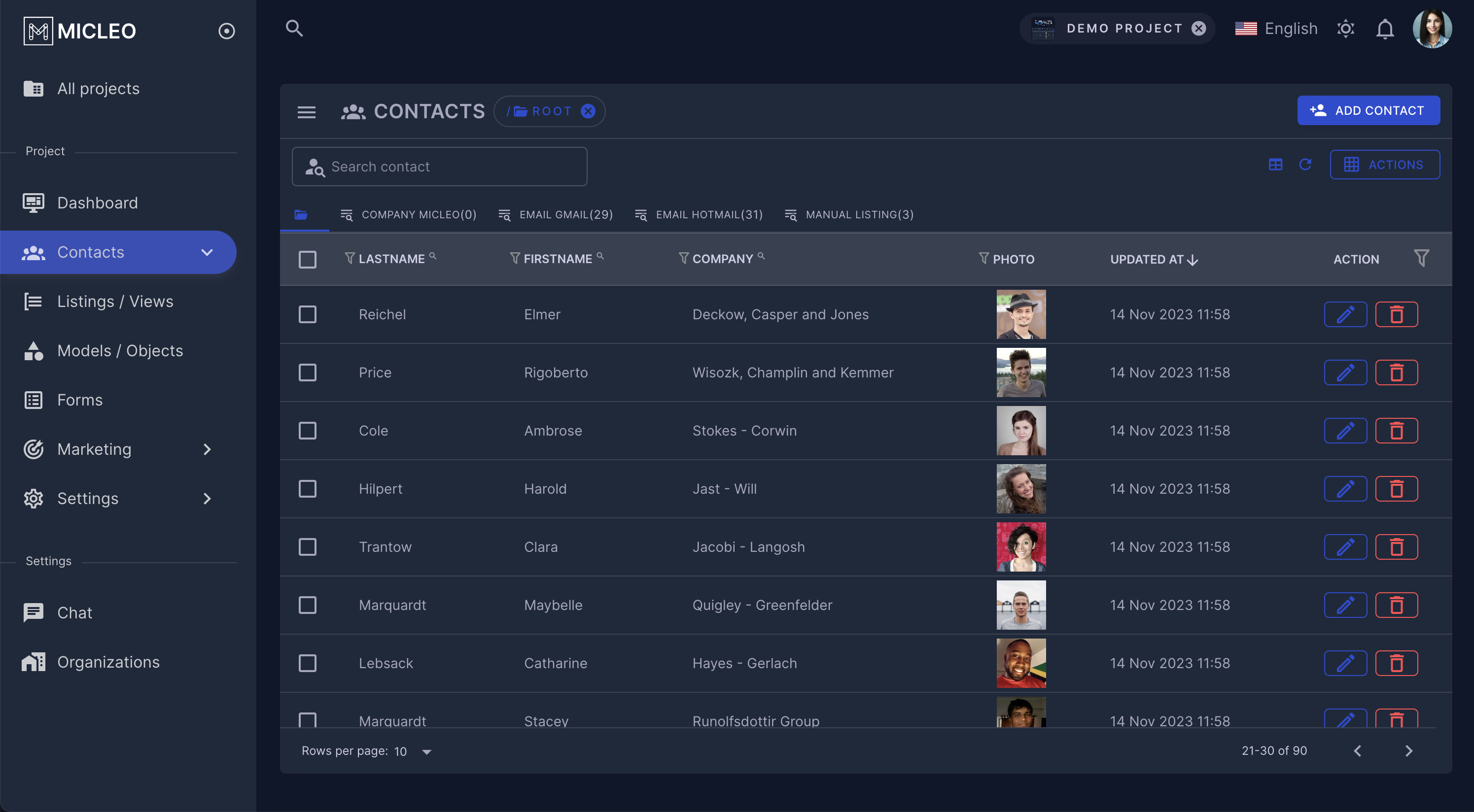
Create your account and access to the Micleo platform. You can navigate, and edit the Demo Project data, or create your own organization.
[https://demo.micleo.com/](https://demo.micleo.com/)
All features are not in the demo project.
### Subscriptions
To simulate a successful payment, use test cards:
Test your integration
Visa demo card: `4242 4242 4242 4242`
### Sign up and tests
Create your account and access to the Micleo platform. You can navigate, and edit the Demo Project data, or create your own organization.
[https://demo.micleo.com/](https://demo.micleo.com/)
All features are not in the demo project.
### Subscriptions
To simulate a successful payment, use test cards:
Test your integration
Visa demo card: `4242 4242 4242 4242`