> ## Documentation Index
> Fetch the complete documentation index at: https://docs.micleo.com/llms.txt
> Use this file to discover all available pages before exploring further.
# Quickstart
> This is a JAMstack app build with Vuejs and Vuetify. Deploy this app on Cloudflare Page.
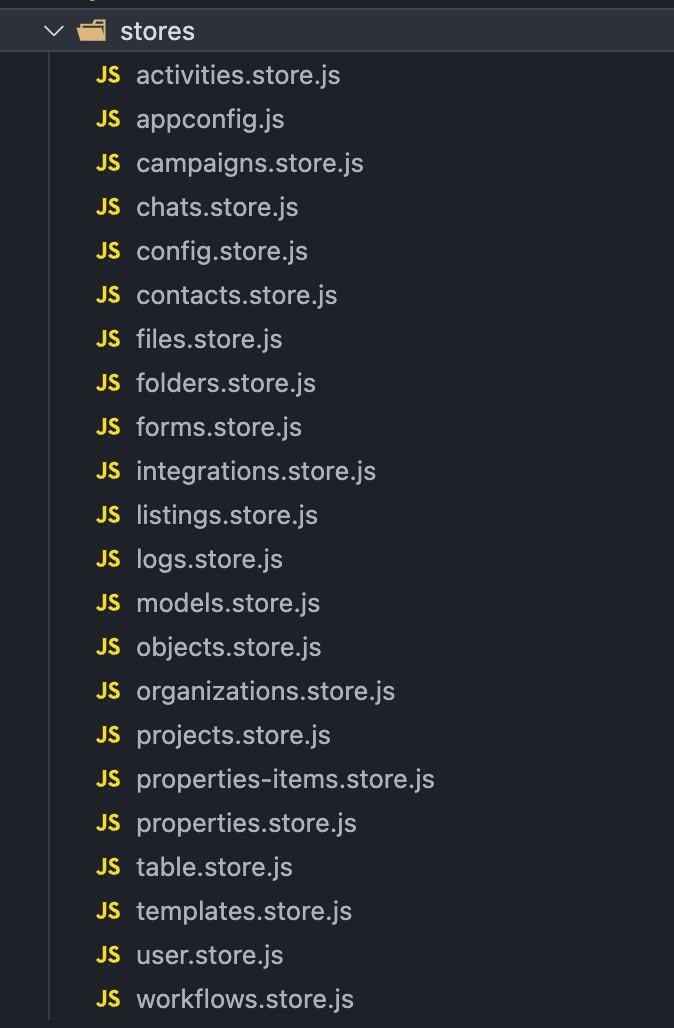 ### Installation
Micleo App is built using `Vue CLI`. You don't need to install or configure tools like Webpack or Babel.
### Infisical
```
#connect to your account
infisical login
#link to the Front End Project
infisical init
```
### Supabase
### Guide
First of all make sure you have installed `Node` and `npm` / `yarn`.
Yarn package manager is recommended
Please make sure you use node's LTS version which is recommended by official node site and not one with latest feature.
After downloading zip, unzip it in your desired location.
Make sure to copy all the files including **hidden files** (starts with .\[dot]).
On the uncompressed folder, open a new terminal/console. And run below command to install all packages:
```
# For Yarn (Highly Recommended)
yarn
# For npm
npm install
```
Then run the local server:
```
yarn dev
```
### Installation
Micleo App is built using `Vue CLI`. You don't need to install or configure tools like Webpack or Babel.
### Infisical
```
#connect to your account
infisical login
#link to the Front End Project
infisical init
```
### Supabase
### Guide
First of all make sure you have installed `Node` and `npm` / `yarn`.
Yarn package manager is recommended
Please make sure you use node's LTS version which is recommended by official node site and not one with latest feature.
After downloading zip, unzip it in your desired location.
Make sure to copy all the files including **hidden files** (starts with .\[dot]).
On the uncompressed folder, open a new terminal/console. And run below command to install all packages:
```
# For Yarn (Highly Recommended)
yarn
# For npm
npm install
```
Then run the local server:
```
yarn dev
```
